Coral Reef Monitoring in MariMap
Coral reef monitoring in MariMap is built around repeatable coral survey methods so your team can track reef condition and change over time. The platform supports benthic transects, fish transects, and benthic image surveys for coral reef sites, with plan-based geometry to keep transects consistent. This guide shows how to plan coral reef monitoring, enter field observations, and review coral indicators alongside environmental context.
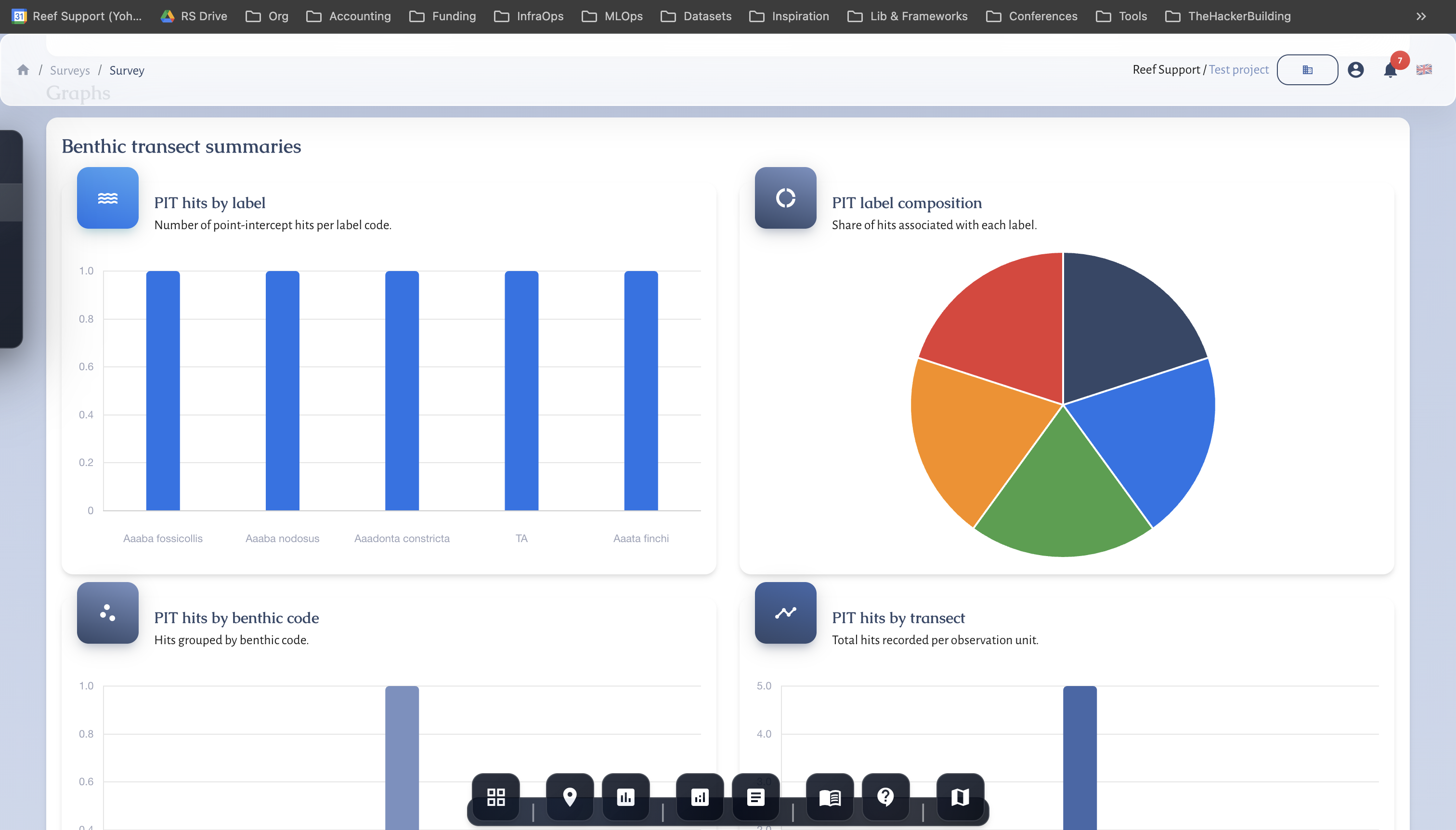
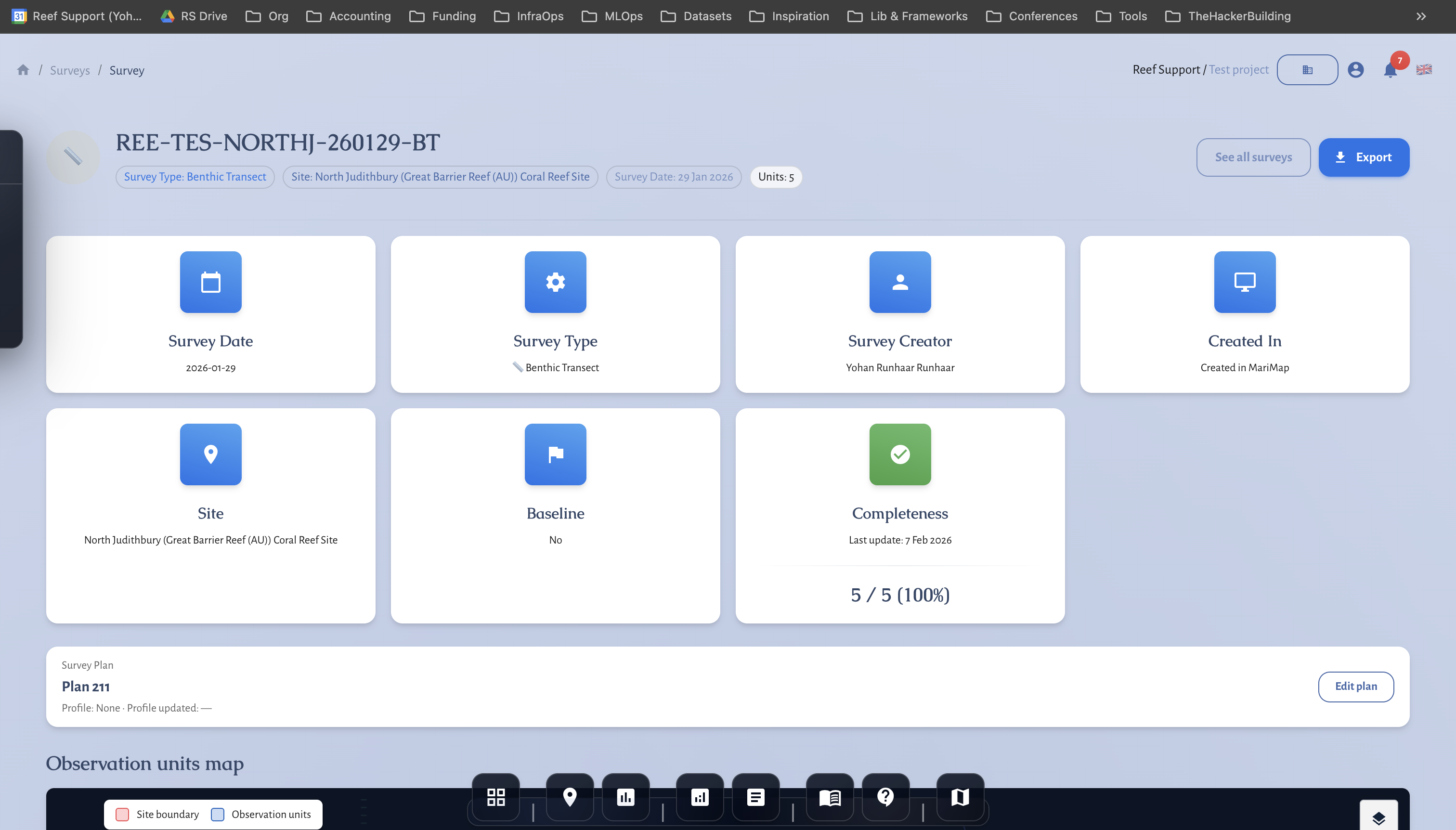
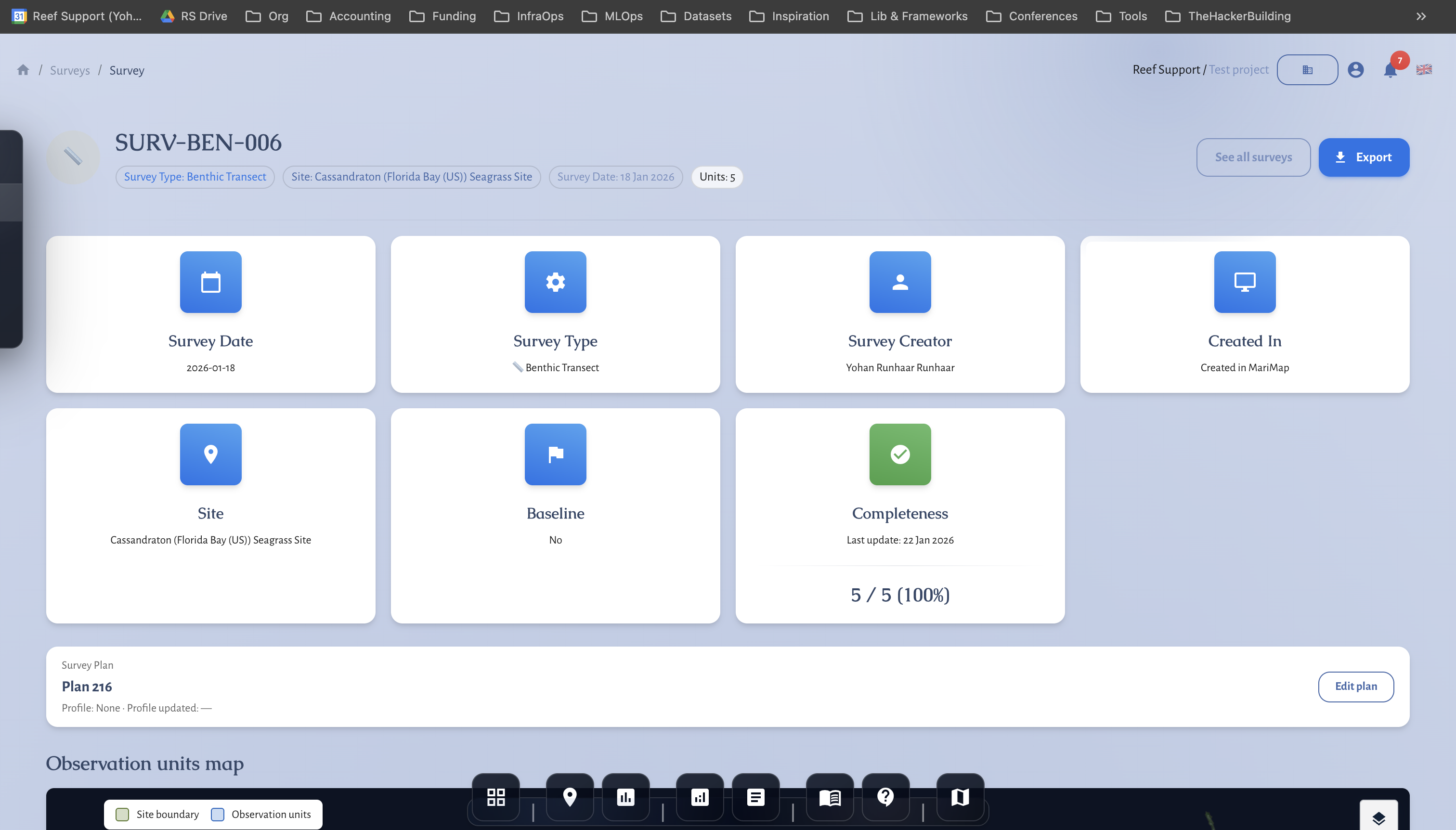 Benthic transect data entry in MariMap.
At a glance
- Coral reef monitoring in MariMap uses Benthic transect, Fish transect, and Benthic images protocols.
- Plans keep transect geometry and photo points consistent from survey to survey.
- Method settings cover PIT/LIT for benthic transects and belt width for fish transects.
- Monitoring metrics appear on the site Monitoring workspace and in Analytics.
- Satellite context (SST and heat stress) helps interpret reef change.
Before you start
- Confirm the site type is Coral reef in the Site profile.
- Draw or upload a clean site boundary so transects stay inside the reef footprint.
- Decide which coral survey methods you need (benthic cover, fish community, imagery).
- Align on benthic codes and fish taxonomy lists for consistent entry.
Protocols available in MariMap
Benthic transect (PIT or LIT)
Benthic transects are the core coral reef monitoring method for coral cover and substrate composition. In MariMap you choose PIT or LIT when you create the survey, then record consistent benthic observations along each transect.
Common data captured: benthic codes, coral cover categories, growth form notes, and field conditions.
Fish transect (belt)
Fish transects capture fish abundance and size classes along belt transects. They complement benthic data by adding reef fish indicators that respond to habitat condition.
Common data captured: species or genus, counts, size class, and notes.
Benthic images
Benthic image surveys organize photo points or quadrats so you can review imagery later or annotate in a separate workflow. They are useful for QA/QC and reviewer calibration.
Common data captured: image files, photo point ID, depth, and annotation tags.
Choosing the right coral reef monitoring mix
- Baseline reef health: Benthic transect + Fish transect.
- Restoration monitoring: Benthic transect + Benthic images.
- Bleaching response: frequent benthic transects with imagery for evidence.
- Rapid assessments: one protocol with stable geometry and clear notes.
Step-by-step in MariMap
1) Create a survey plan
- Go to Surveys → Plans.
- Click Create plan and select the coral reef site.
- Choose the protocol (Benthic transect, Fish transect, or Benthic images).
- Draw transects or photo points inside the site boundary.
- Save the plan so the same geometry is reused.
2) Configure method settings
- In Surveys, click Create survey.
- Choose Plan as the source and select your plan.
- Confirm the survey date and team.
- Set method settings:
- Benthic transect: choose PIT or LIT and set interval if needed.
- Fish transect: set belt width and size class defaults.
3) Collect and enter observations
- Use the survey grid to enter coral cover and fish observations.
- Attach photos to benthic image units if you are running imagery-based monitoring.
- Add notes for visibility, current, or unusual conditions.
4) Review and complete the survey
- Update the Survey status from In progress → In review → Completed.
- Confirm any outliers or missing fields before closing the survey.
5) Review monitoring metrics
- Open the site page and scroll to Monitoring.
- Check Monitoring overview and Monitoring metrics for trends.
- Use Recent surveys to compare this survey with previous seasons.
Interpreting coral reef monitoring results
Combine benthic cover, fish abundance, and image-based observations to understand coral reef condition. Use the site environment section and Analytics charts to connect survey results with heat stress or temperature anomalies. This context is especially important when coral bleaching risk increases.
Tips for consistent coral reef monitoring
- Reuse plans so transects are consistent over time.
- Keep benthic code lists stable to reduce cleanup later.
- Record key field notes (visibility, current, rainfall) for QA/QC.
- Review metrics after each survey to catch gaps early.
Common issues
- No protocols shown: confirm the site type is Coral reef.
- Geometry errors: transects must be fully inside the site boundary.
- Missing method details: PIT interval or belt width may be required.
MRV readiness and disclosure alignment
- Baseline vs repeat surveys: mark baselines and keep repeat surveys on comparable geometry.
- Monitoring plan logic: define cadence, QA/QC thresholds, and conservative handling of uncertainty.
- Outcome types and claims discipline: record uplift, avoided loss, or maintenance credits; separate inputs from verified outcomes.
- Rights and integrity: document FPIC, customary marine tenure, OECM, ICCA, benefit sharing, durability mechanisms, and leakage risk.
- Disclosure alignment: map indicators to TNFD, CSRD, ESRS, EU Taxonomy, SBTN, and SBTi requirements.
- Use the Metrics Reference and Data Providers for definitions and sources.
Related guides
- Planning Surveys and Data Collection
- Understanding Satellite and Environmental Data
- Generating Reports for Funders and Regulators
References
- Reef Check Monitoring Protocol
- GCRMN Monitoring Methods
- AGRRA Survey Methods
- Reef Life Survey Methods
- NOAA Coral Disease Resources
- NOAA Coral Reef Watch
- Copernicus Marine Service