Benthic/Photo Images (Ecosystem: Reef/Seagrass)

📷 Benthic / Photogrammetry Images (Ecosystem: Reef / Seagrass)

Collect photo quadrats or photogrammetry imagery using planned points, transects, or areas. Works for coral reef and seagrass sites.

What you need first

  • Organisation and Project (Org, Project)
  • A Site set to Coral Reef or Seagrass with geometry (Site)
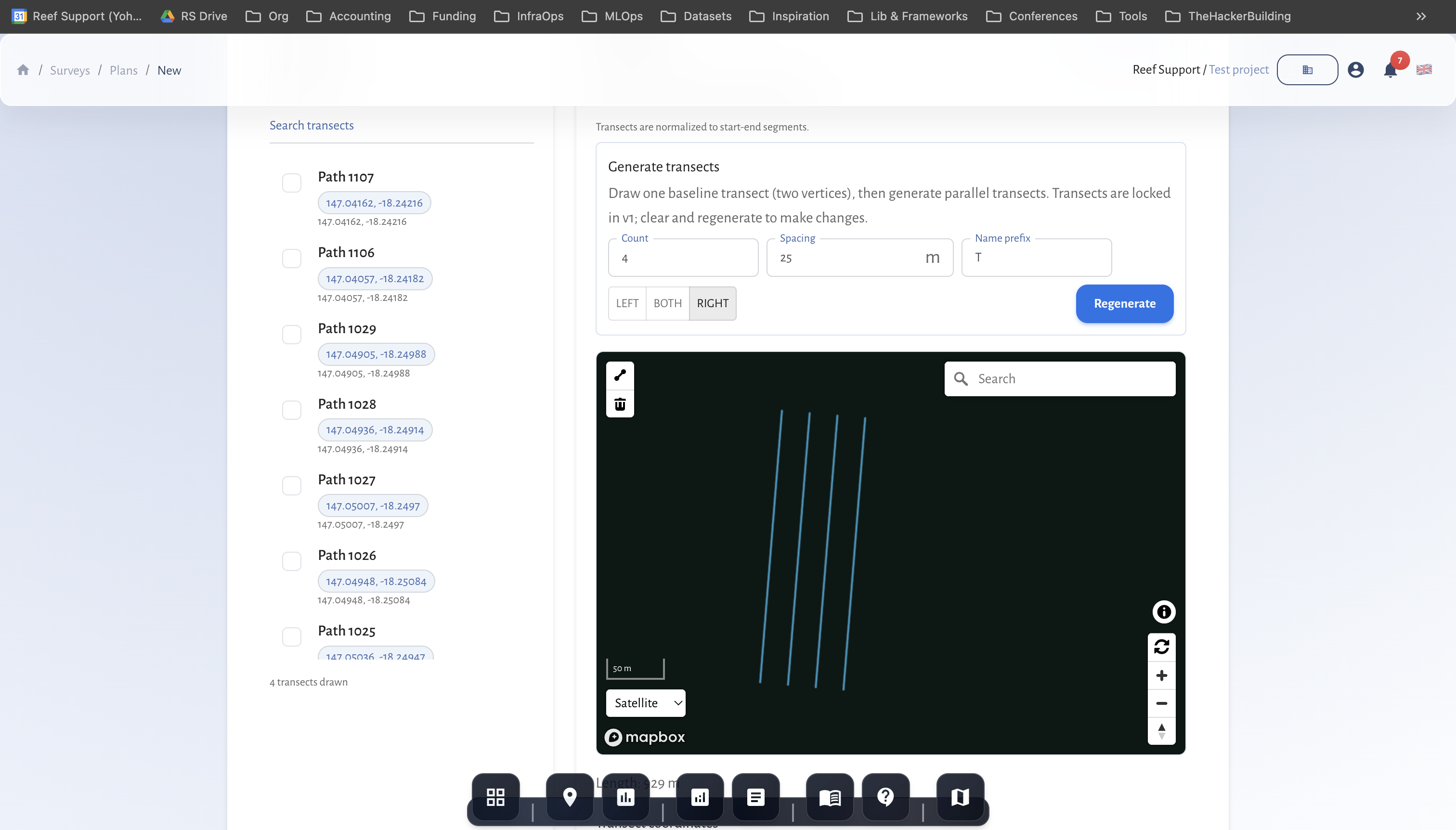
  • A Survey Plan for Benthic / Photogrammetry Images with photo points/quadrats/transects/AOIs (Plan)
  • Camera setup agreed (resolution, overlap, altitude) and file-handling workflow

Benthic images plan selection Screenshot: Selecting a Benthic/Photogrammetry Images plan

Field workflow

  1. Follow the photo points/quadrats or transects/AOIs defined in the plan.
  2. Capture images with consistent altitude/height, overlap, and orientation.
  3. Note any gaps, turbidity, or lighting issues.
  4. If using quadrats, ensure coverage of the full quadrat; for transects, maintain spacing.

Data entry in MariMap

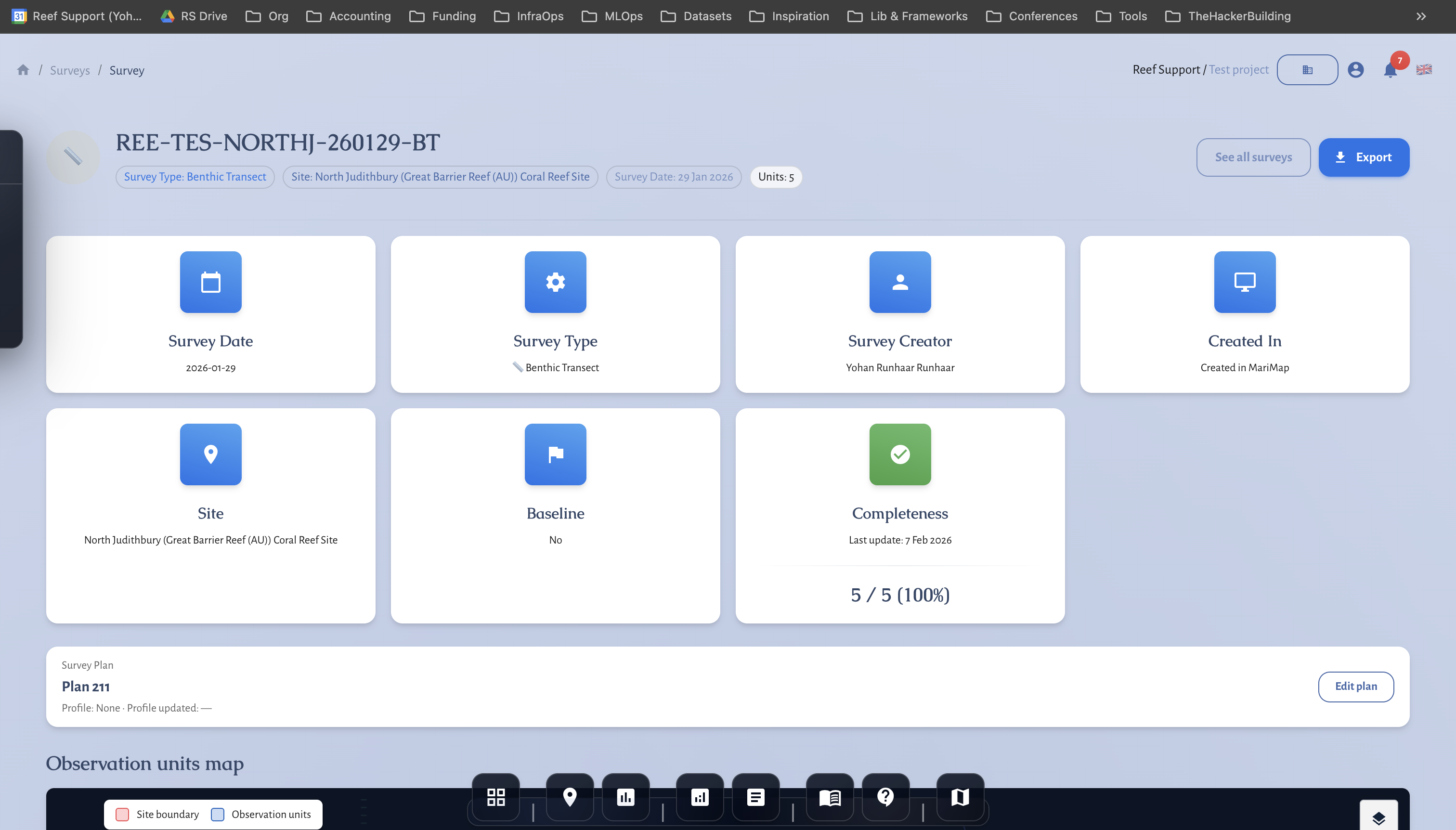
  1. Create a survey from the Benthic / Photogrammetry Images plan (https://marimap.com/app/surveys/new (opens in a new tab)).
  2. Confirm Site, Date, Survey ID.
  3. The plan brings in your photo points/quadrats/transects; add image references/notes per unit if needed.
  4. Save and proceed to your media processing workflow.

Photogrammetry points Screenshot: Photo point/quadrat selection

Tips for good data

  • Standardize camera settings and altitude; document them in the survey description.
  • Keep photo spacing/overlap consistent for mosaics.
  • Track missing images or visibility issues in notes to support QA later.