Coral Restoration Workflows in MariMap
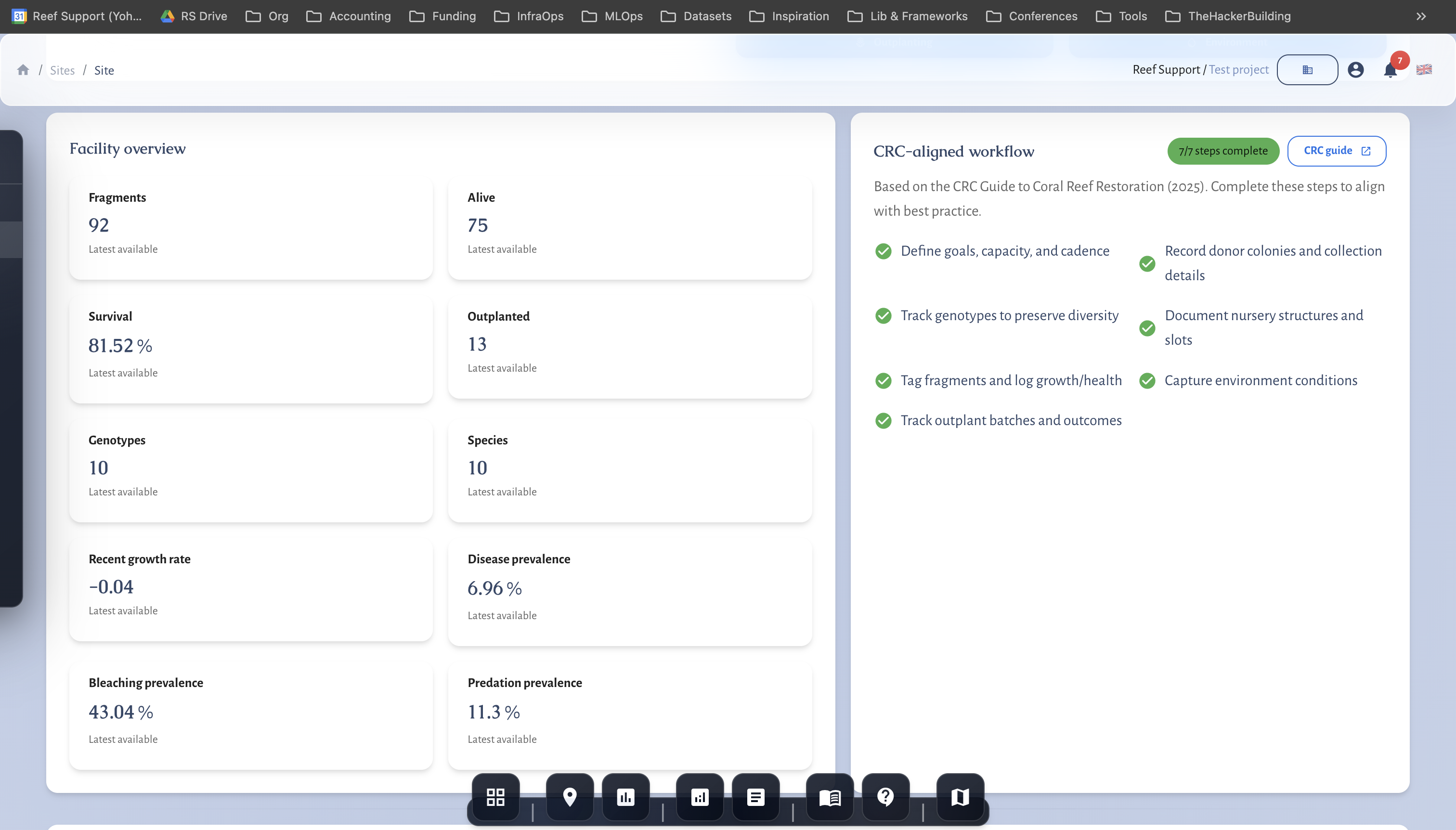
MariMap supports coral restoration workflows for nurseries and labs by tracking structures, genotypes, fragments, and outplant batches. Restoration facilities are set up as Facility sites, and the Restoration workspace lets teams log growth, health, and outplant readiness in one place. This guide shows how to configure a restoration facility, manage fragments, and track outplanting outcomes in MariMap.
 Coral nursery monitoring with tagged fragments and growth tracking.
At a glance
- Restoration facilities are created as Facility sites (Coral nursery or Coral lab).
- Surveys and survey plans are disabled for facilities; use the Restoration workspace instead.
- The Restoration workspace includes Structures, Genotypes, Fragments, and Outplant batches.
- Track fragment measurements and events to monitor growth and health.
- Use outplant batches to record when fragments are moved to field sites.
Before you start
- Confirm you have admin or editor access to create facility sites.
- Decide whether the facility is in-water (nursery) or on land (lab).
- Prepare your internal tagging or fragment IDs.
- Align on genotype naming conventions if you track genetic diversity.
Step-by-step in MariMap
1) Create a restoration facility site
- Go to Sites and click Create site.
- Choose Facility as the site category.
- Select Coral nursery or Coral lab as the site type.
- Add site name, country, and optional site ID.
- Draw or upload a boundary if you have a mapped footprint.
- Create the site.
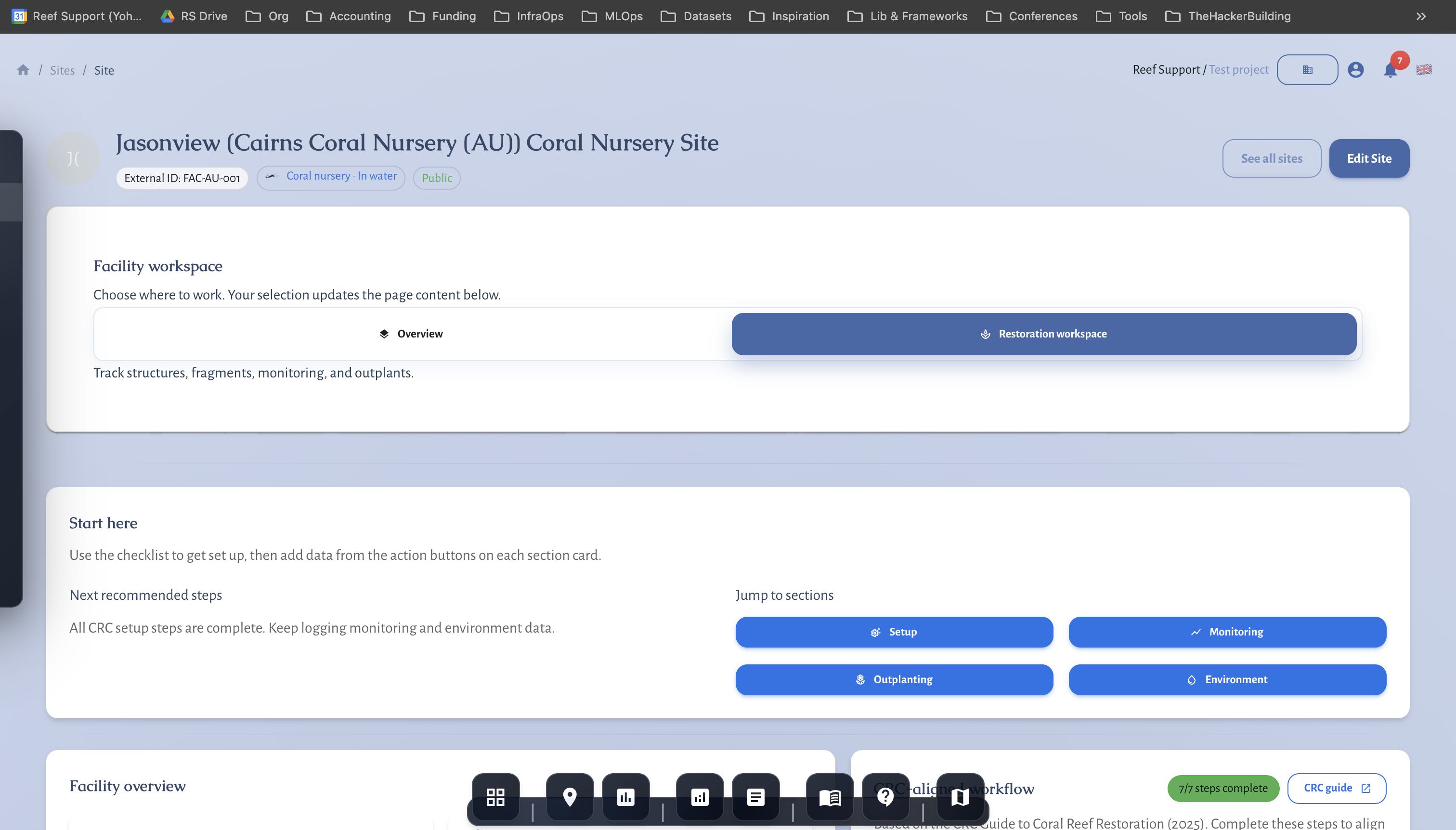
Facilities created this way unlock the Restoration workspace.
2) Open the Restoration workspace
- Open the facility site.
- Select the Restoration facility panel.
- Review the Start here checklist to confirm setup steps.
3) Add facility profile details
Use the facility profile to record capacity, monitoring cadence, and thresholds. This creates a shared reference for the team and supports reporting later.
4) Add structures and slots
- Open Structures.
- Add structures (tanks, ropes, trees, or tables) that match your facility layout.
- Add slots to reflect how fragments are organized.
Structures help track capacity and make fragment assignments clear.
5) Add genotypes and donor colonies
- Open Genotypes.
- Add genotype codes and donor colony information.
- Save each genotype entry.
Genotype tracking supports diversity management and reporting.
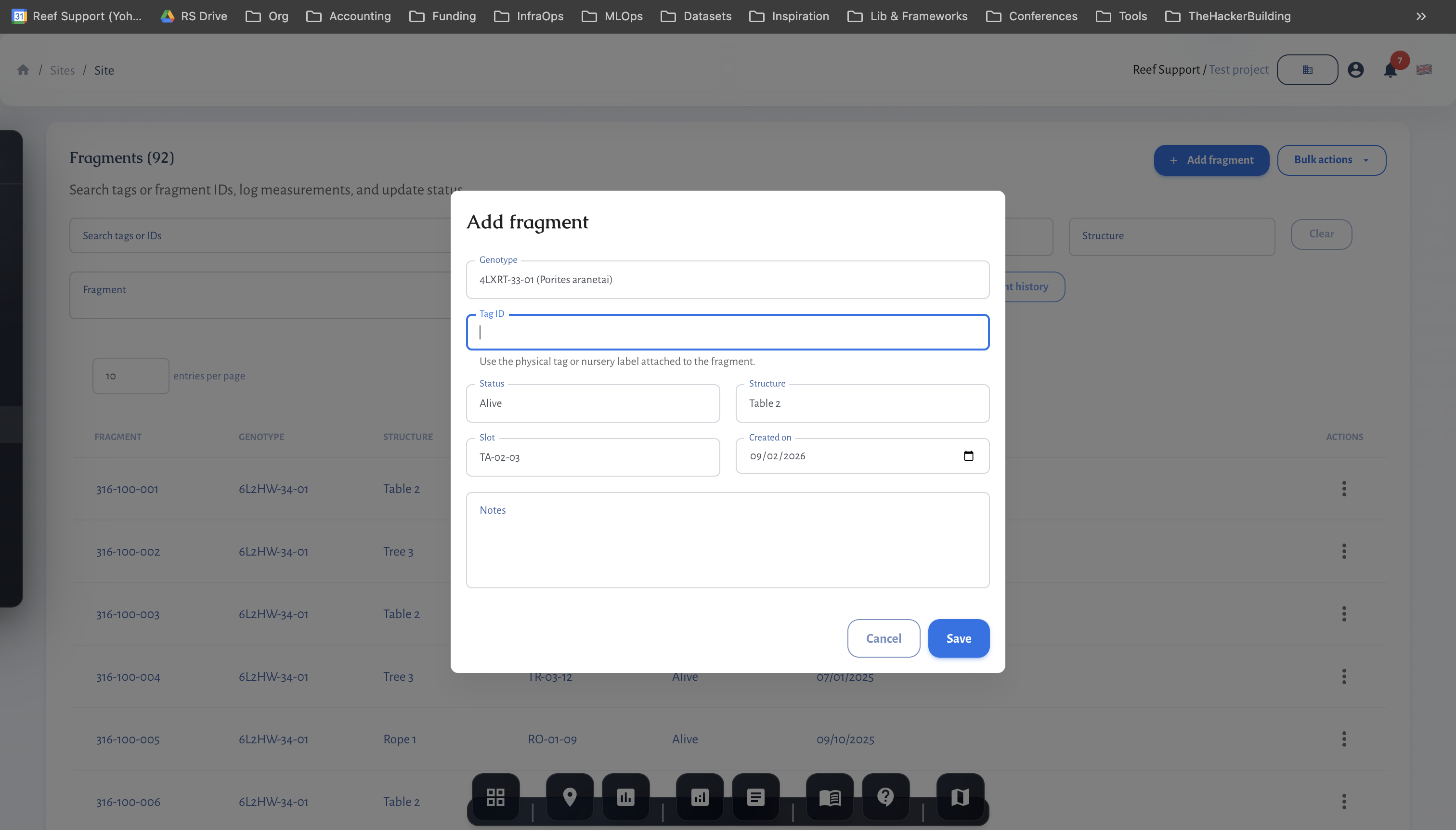
6) Add fragments
- Open Fragments.
- Add tagged fragments and assign them to structures or slots.
- Link each fragment to a genotype when available.
7) Log measurements and events
Use Measurements and Events to record fragment growth, health, and changes. Consistent measurements make it easier to evaluate survival and outplant readiness.
8) Create outplant batches
- Open Outplant batches.
- Add a batch and link fragments that are ready for outplanting.
- Record outplant dates and destination site details.
Outplant batches create a clear audit trail from nursery to field site.
Monitoring and QA/QC
- Keep fragment tags consistent across surveys and outplant batches.
- Log measurements at a consistent cadence to track growth trends.
- Use the facility environment section to record water or tank conditions.
- Review outplant readiness and survival metrics before reporting.
Common issues
- No Restoration panel: the site must be a Facility type.
- Missing genotypes: add genotypes before linking fragments.
- Outplant batch empty: add fragments first, then create the batch.
MRV readiness and disclosure alignment
- Baseline vs repeat surveys: mark baselines and keep repeat surveys on comparable geometry.
- Monitoring plan logic: define cadence, QA/QC thresholds, and conservative handling of uncertainty.
- Outcome types and claims discipline: record uplift, avoided loss, or maintenance credits; separate inputs from verified outcomes.
- Rights and integrity: document FPIC, customary marine tenure, OECM, ICCA, benefit sharing, durability mechanisms, and leakage risk.
- Disclosure alignment: map indicators to TNFD, CSRD, ESRS, EU Taxonomy, SBTN, and SBTi requirements.
- Use the Metrics Reference and Data Providers for definitions and sources.
Related guides
- Coral Reef Monitoring in MariMap
- Planning Surveys and Data Collection
- Generating Reports for Funders and Regulators
References